You print a photo you love, and it comes back soft, a little dull, or cropped in a way that cuts off someone's head. None of these are bad luck — they are predictable, and easy to avoid once you know what to check. Getting a sharp, true-colour photo print comes down to a few things: enough resolution, the right colour, and the right crop. This guide covers them. It is part of our complete posters & mounting guide.
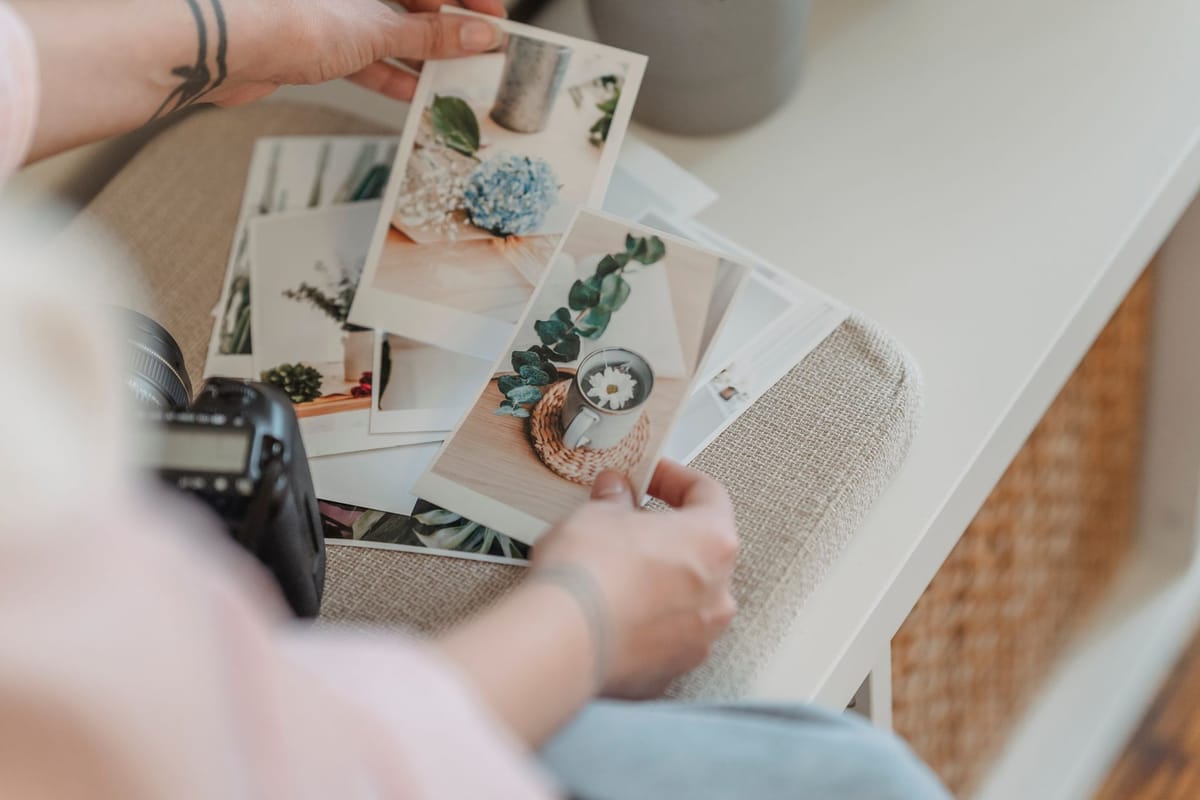
Start with enough resolution
The number-one cause of a soft photo print is too few pixels for the size. You cannot add detail that was not captured — enlarging a small image just magnifies its blur. For a photo viewed up close (a poster or canvas), aim for around 150 DPI at the final print size, more for small close-viewed prints. Before ordering, check your image is big enough for the size you want; if unsure, send it and we will tell you the largest size it prints cleanly. The full explanation is in resolution & DPI.
Get the colour right
Screens (RGB) show brighter, more saturated colours than ink (CMYK) can print, so a photo can look more vivid on screen than in print. To avoid disappointment:
- Expect bright, saturated colours to soften slightly in print.
- Work in CMYK or check colours if exact reproduction matters (see CMYK vs RGB).
- Don't trust an uncalibrated screen for exact colour.
- Ask for a proof on a colour-critical photo.
A well-exposed, well-balanced photo prints best — heavy editing toward screen-bright colours can disappoint in print.
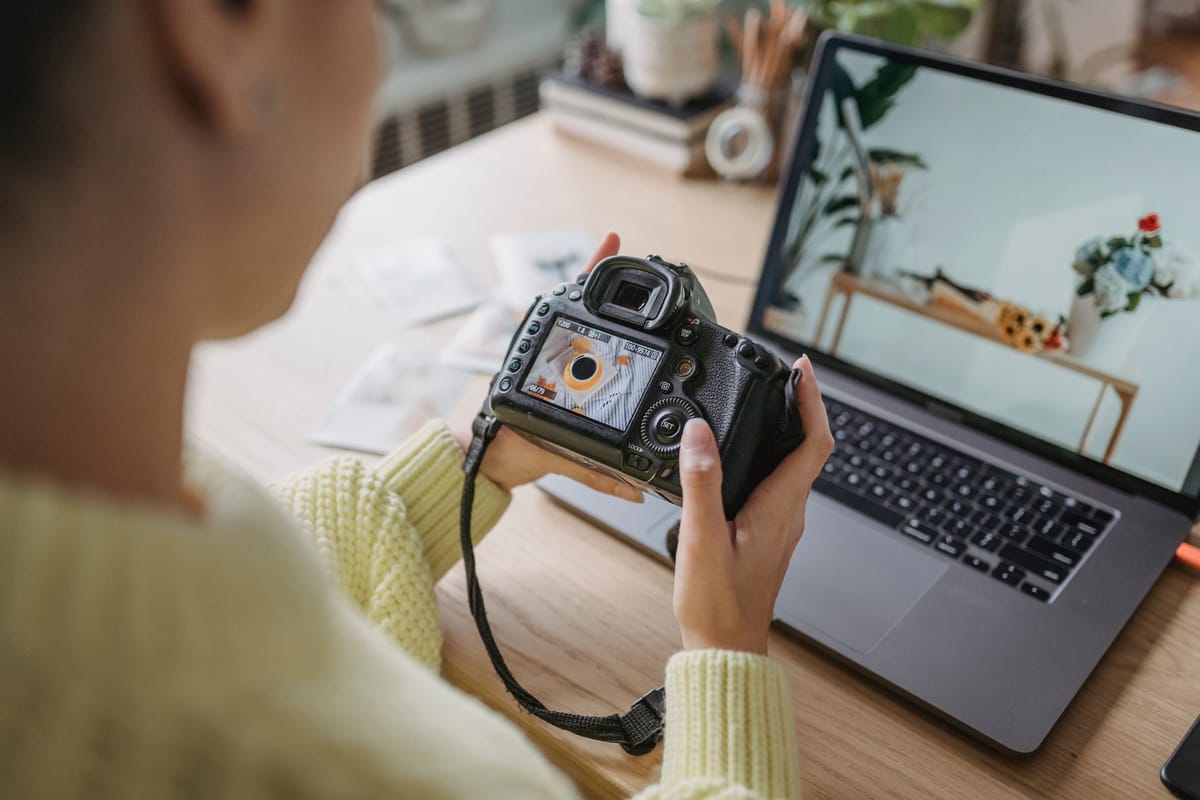
Mind the crop and aspect ratio
A photo and a print size are often different shapes, so something has to give:
- Match the photo's aspect ratio to the print where you can, so nothing important is cropped.
- Leave breathing room around faces and key subjects so a crop or a canvas wrap does not cut them off.
- For a gallery-wrap canvas, keep important content away from the edges, which fold around the frame.
Check the crop before ordering — print at the size and shape you actually want.
Choose the right surface
The print surface shapes how a photo looks:
- Matte — no glare, soft and premium; great under lighting and for framed photos (see matte vs gloss).
- Gloss — vivid and punchy, but shows glare and fingerprints.
- Canvas — textured, fine-art feel for decor.
- Synthetic (Yupo) — tougher where a photo poster gets handled.
Match the surface to where the photo will live and how it will be seen.
Frequently asked questions
Why did my photo print look soft or blurry? Too few pixels for the print size — enlarging a small image magnifies its blur. Use a high-resolution image and aim for ~150 DPI at the final size.
Why are the colours duller than on my screen? Screens show brighter RGB colours than CMYK ink can print, so saturated colours soften slightly. Work in CMYK and ask for a proof if exact colour matters.
How do I avoid bad cropping? Match the photo's aspect ratio to the print size, leave room around faces, and keep key content away from the edges on a gallery-wrap canvas.
Matte or gloss for a photo? Matte for glare-free, framed and lit photos; gloss for maximum colour pop. See the poster & canvas range.